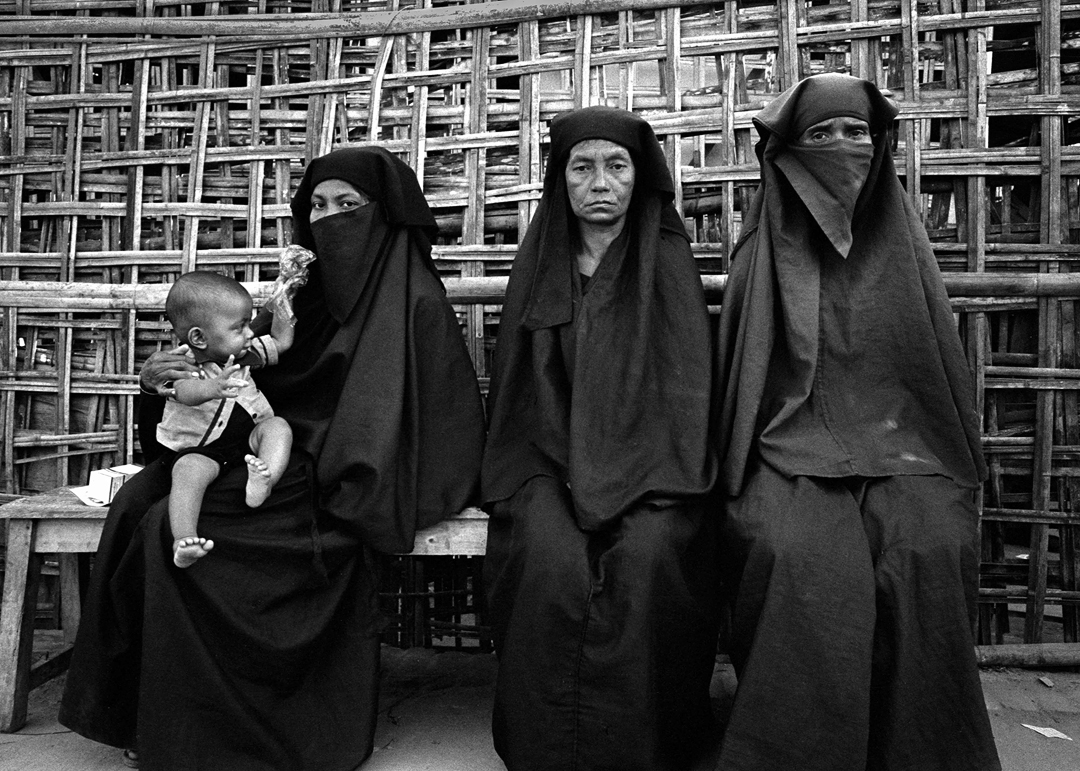
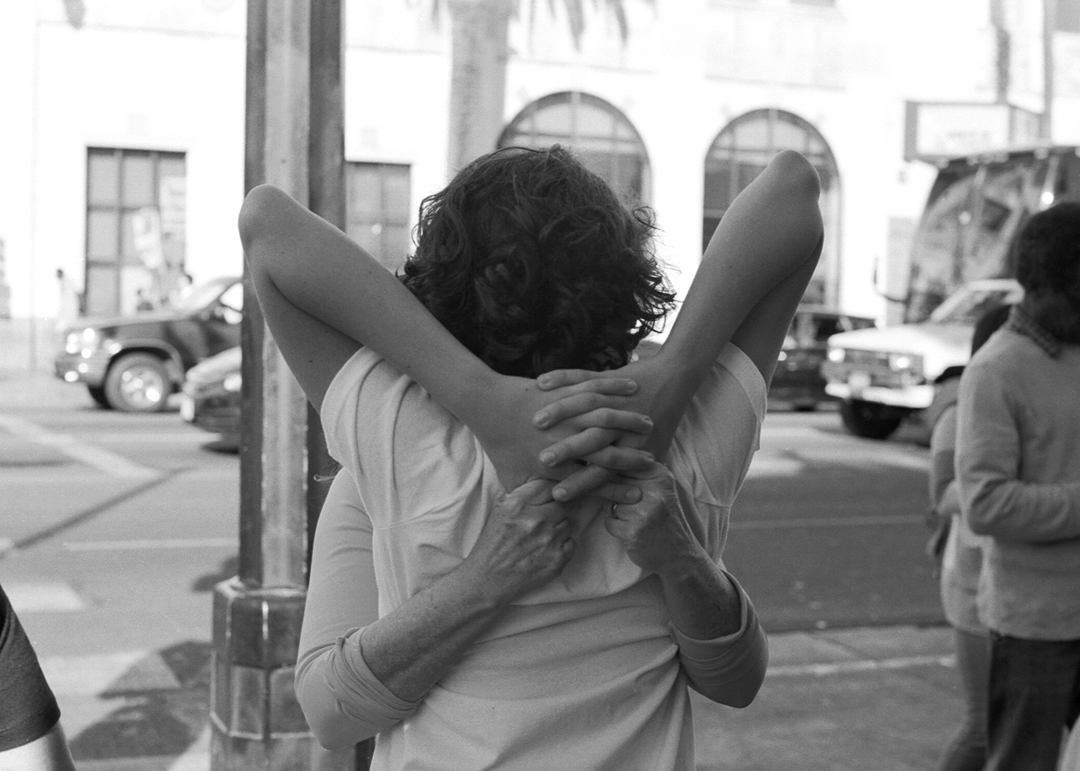
Photo by Jefferson Lankford
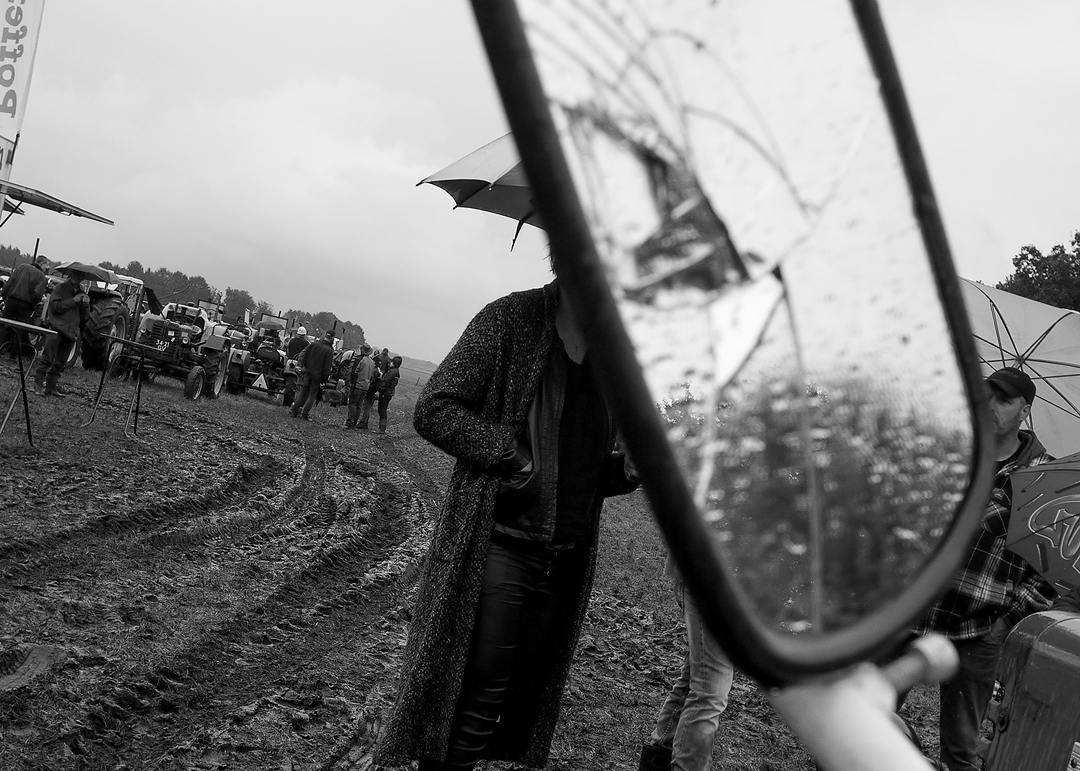
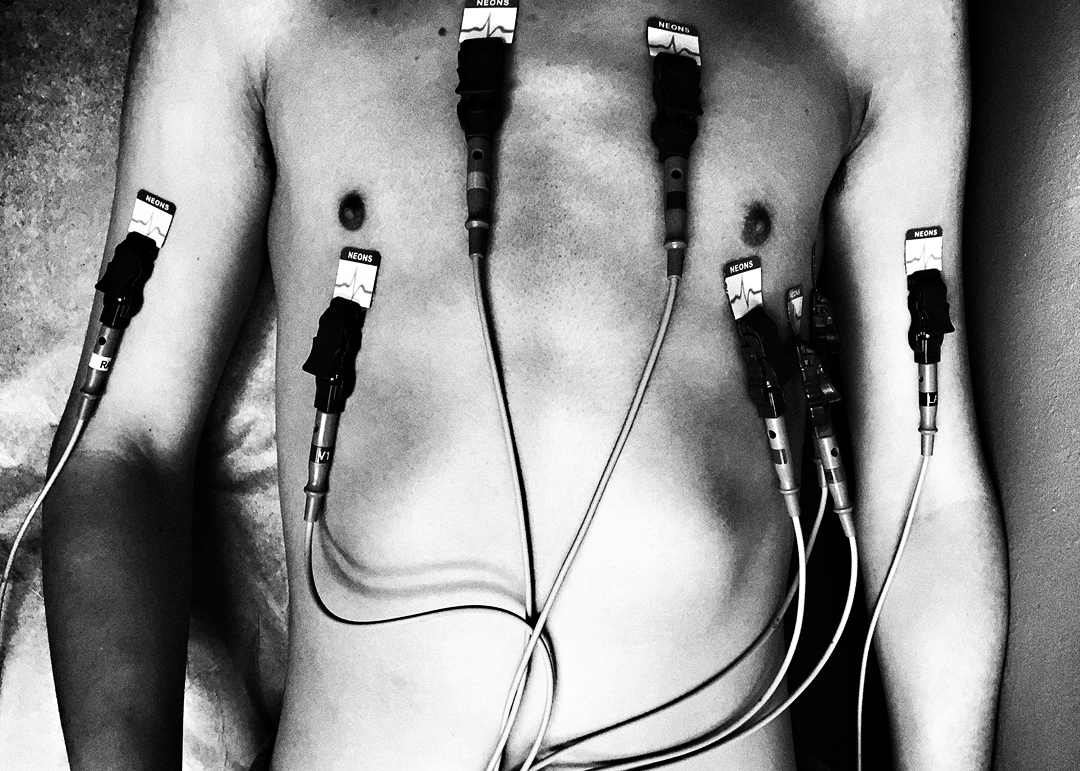
Photo by Bouwe Brouwer

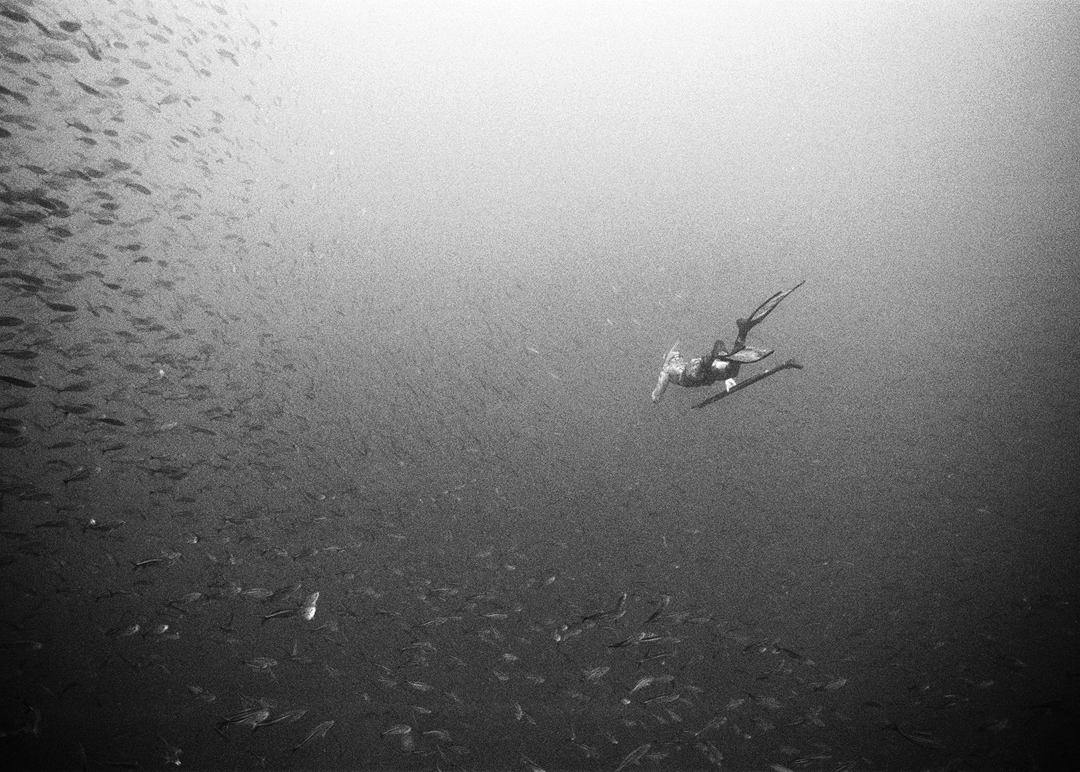
Photo by Nick Whiteford
Photo Magazine
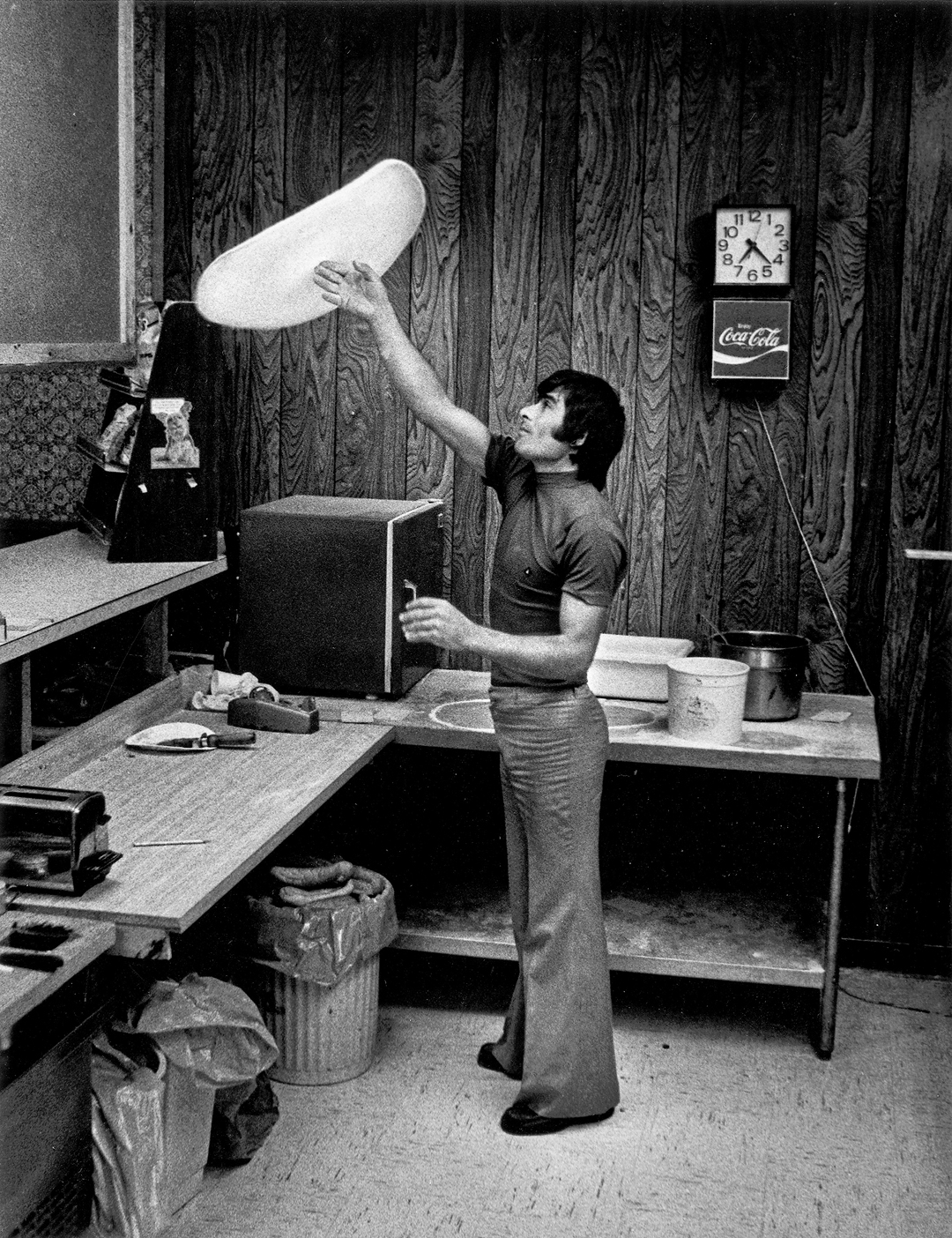
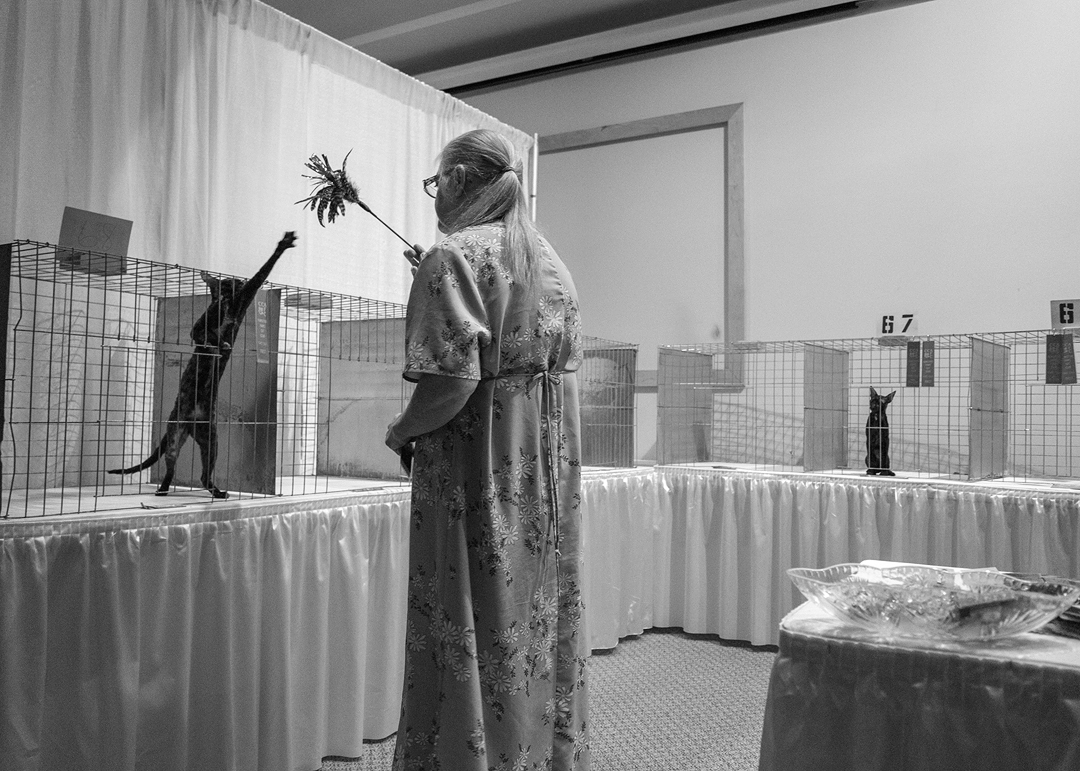
Photo by Arthur Pollock
I got a few messages about, “How do you get THE shot?” I believe this is what the life long study of photography is all about. We tried to answer that HERE and HERE and HERE and come to think of it, the entire existence of this blog and our photo zine is the exploration of this question.
A couple variants also came in, “How do you get into these certain situations?” and “How do you get these portraits?” The questions weren’t directed towards me, they are referring to the photos we publish.
I think, my opinion, that you are shooting 1 of 2 things. That is your story OR someone else’s story. It is up to you how detailed you want to tell that story. Some of the most detailed descriptive stories you see in Life Magazine or National Geographic or New York Times took months or years to photograph.
But how? For your story, I say shoot everything. Edit later. Figure out what it is you are trying to say. Even though it is fake as fuck, you could argue that the Kardashians are simply just master story tellers. Something in their story, not sure what, resonates with millions of people.
On the other side, in journalism they call your contact person the “fixer”. So find a story and find the person that will fix you up deep into that story. Figure out where the story begins and where it ends and shoot it.
How do you get the portrait? Ask politely. Or don’t. Either way, shoot and move on.
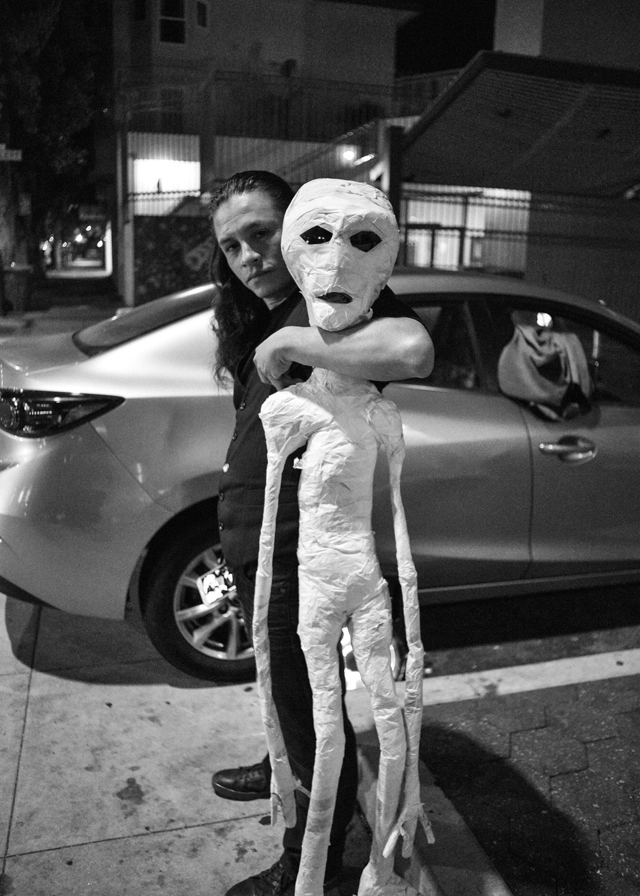
Photo by Ray Potes
Bringing back the photographer features to the site. Reworked the archives page. Stay tuned for new ones weekly.
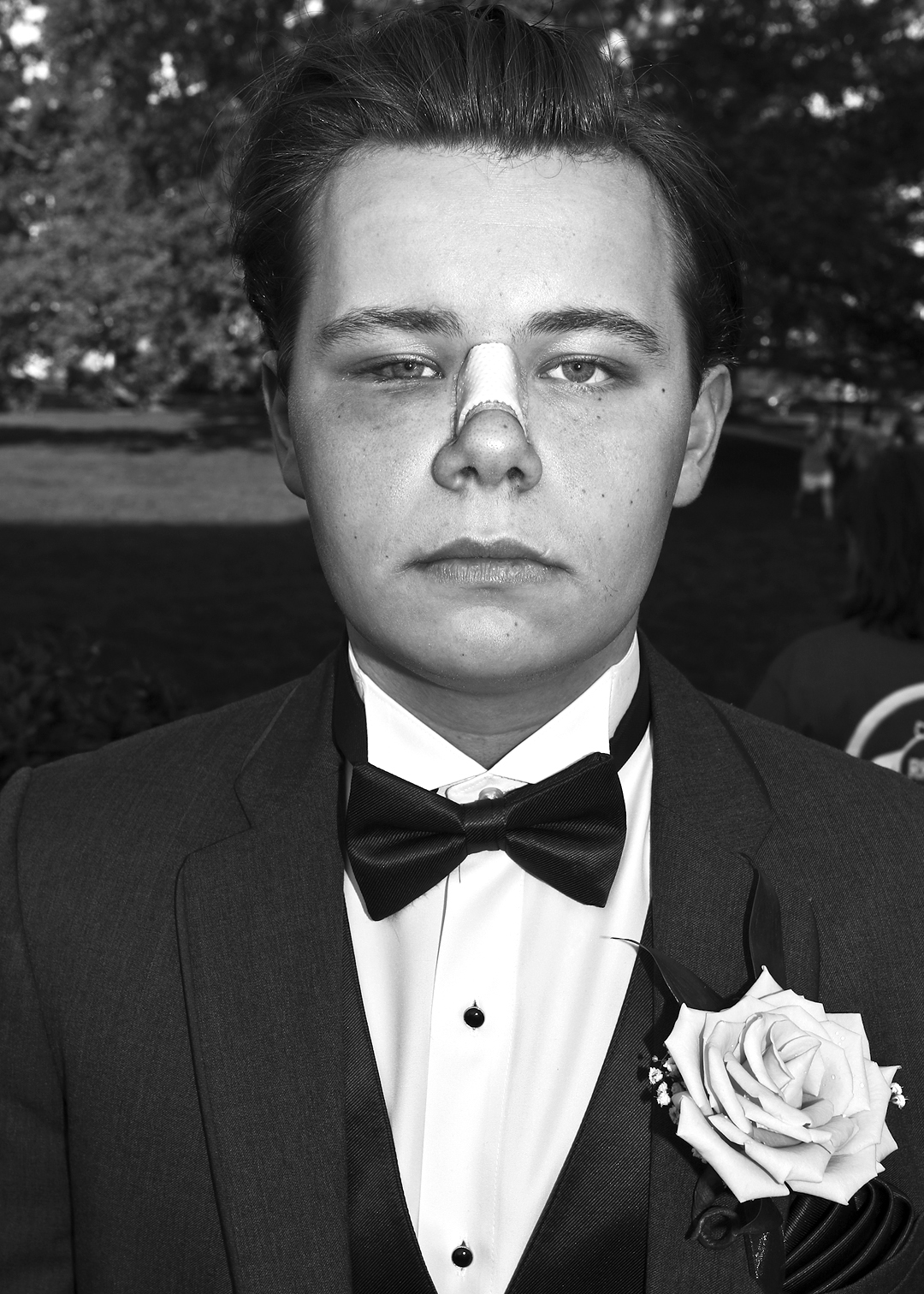
Photo by Caleb Stein
Thinking about being today. I think for a while we are “trying” photography then “doing” photography, but sooner or later you start “being” photography.
Your camera and body and computer with internet become a single unit set to record all thoughts and actions. Mostly because you don’t know what else to do.
It’s ok. Everyone must have a task. That task is to be yourself at all times.

** NEW LOGO ALERT ** Sometimes you need a new symbol to represent a new era. We are going on our 18th year publishing zines, magazines, and books. Yet still a long ways to go. What a time to be alive. If you are reading this message, you are part of the resistance.
Get your new uniforms today. Everything 20% off.
Discount code: CYBER18
Enter the code before checking out : http://shophamburgereyes.com

Photo by Nick Jones
There are 100 ways to make a zine. This is the way I do it. 90% of this catalog was produced this way. And if you wanted to make a book, it just a matter of adding 1 or 2 more steps. I’ll write that up too in a future post.
Ok. This is how to make a black and white 40 page zine on 8.5″ x 11″ paper, folded in half, and stapled. You should know what you want the final outcome to look like. Look at other zines. In fact, grab some blank paper and fold it and play with page count and you can start to see it happening in your mind.
It is just a very simple 3 step process.
** If you don’t have a computer, then this way of making a zine will not work for you.
1. Photos.
I use Adobe Photoshop. You don’t have to though. Have all your photos at 300 dpi, at around 11″ on the long side. I like jpg better than tiff. It’s mainly because they preview quicker on my old ass computer. If you are doing 1 photo per page and you know you want 40 pages, I would actually get at least 50 photos ready so that I can have room to play with sequencing more.
2. Layout.
I use Adobe Indesign. I know people that use Word or any PDF editor as well. But for this we are going to use Adobe Indesign. If you need to, look up tutorials on the internet. I probably do this on almost every project because I forget things or am trying something different.
Open a new document and in the size area choose “8.5 x 11 – half”. This means you are making a stapled booklet on standard size paper which is what we are making. Enter “40” in the page count area. Your page count must be divisible by 4.
I only use 1 tool really when making a layout. I don’t even know what it is called. I think it is called the “frame tool”. Use that to draw boxes of where you want to drop your photos into. It helps to have some margins set up so the boxes will be easier to draw. I start with the cover and start drawing these boxes on every page. 1 by 1.
Now I wanna add photos to these boxes. I open Abode Bridge which is a separate program bundled with Adobe Indesign. I find the folder of where all my prepped photos are. From there I just drag and drop my photos, 1 by 1, into these boxes I just drew in my layout. Your photo might not look right in the box. There are different auto-resize tools in the control panel. In particular there is one for auto-horizontal fit and one for auto-vertical fit. Hit one of those depending what your doing.
** The reason I prepped all my photos at 11″ long is just in case I want to do a 2 page spread, then the resolution will be already all good to go.
3. Output.
After you have laid out all your pages, you are ready to print it. The easiest way from here is to output a PDF. You can just find “export” and then export a hi-res PDF. From that PDF, you can now upload to a website where they can print it and mail it to you. Or you can take it to any Kinkos or any local copy shop or print shop and have them make copies. It will be cheaper for you to staple it and fold it yourself, but it is convenient to have it all done and ready to go.
But for this we want to print it at home. Find a double sided laser printer. When shopping for one, look for a feature called “Duplex tray”. That means it can print on 2 sides of a piece of paper. It does this by printing on one side, then that print chills in the duplex while the machine prepares to print the second side. I use the HP P3015. It is a little older but you can find them for cheap. You can find ink for cheap on Amazon and Ebay.
So once you got your printer set up you can print from the PDF that you just made, or you can print it out directly from Adobe Indesign which is what I do. There is a print setting called “Print Booklet”. Hit that, chose landscape, chose double sided, hit print.
Once it is done printing, use a booklet stapler to reach the middle of the page. Put 2 in the middle, then fold the whole thing in half. Done.
That’s it!
You just made a zine. Print out a few more and give them away to friends and family. Maybe they will like it, maybe they won’t get it. Either way you are now a publisher.
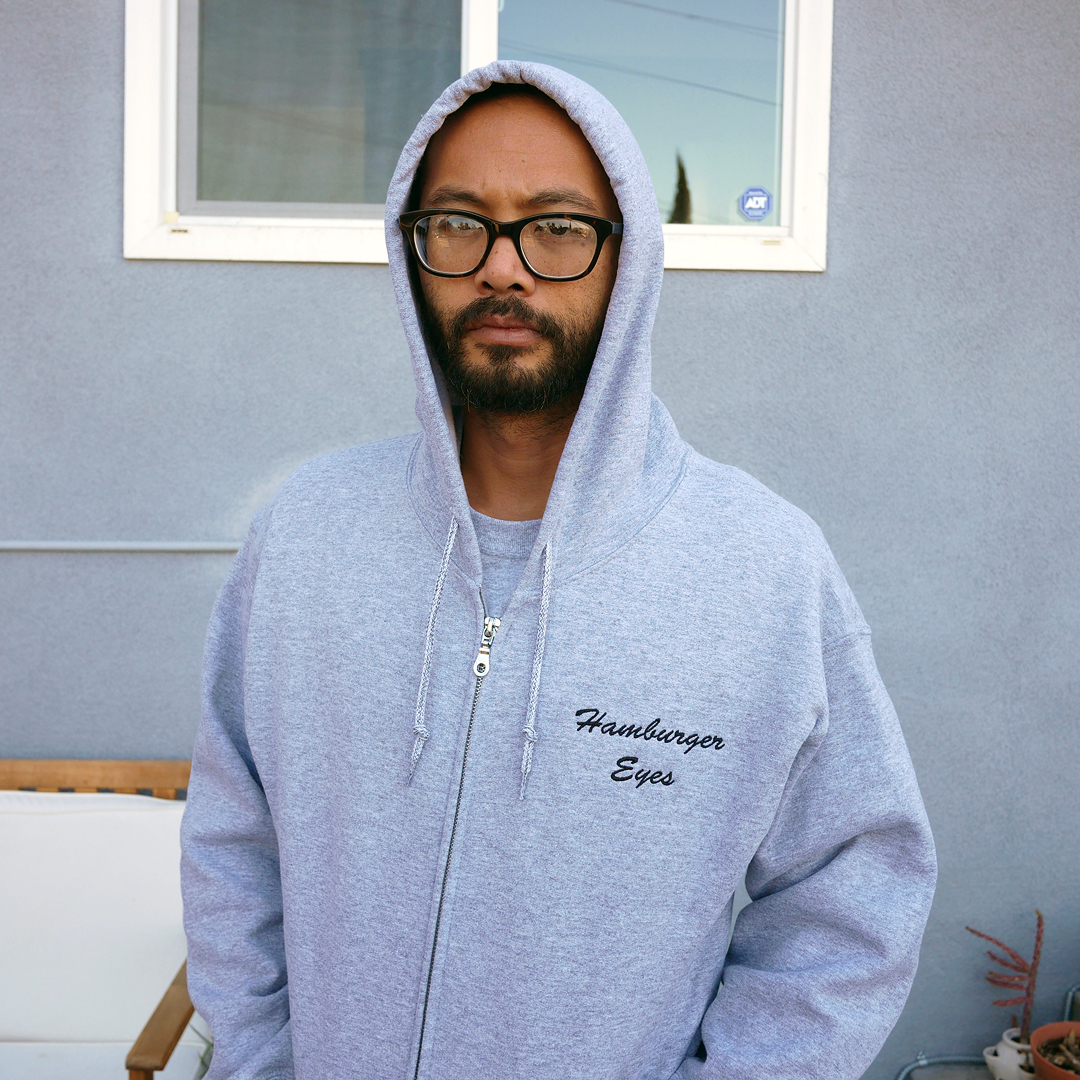
It’s a little early to announce holiday season sale, but we are going to run out of stuff before the end of the month. Especially the zines and books. So starting today, everything 20% off.
Enter discount code before checking out : CYBER18

Photo by David Root
** This article is a re-edit and re-package of a previous article. **
I was thinking about how every photographer I know has a completely different path then the next. But what makes them similar? I was thinking about “modes” or “gears” that we shift into. But “phases” might be the appropriate word. “Phases” are stages of development. But you can refer to a “phase” as a “state” or “cycle” as well.
Here are 5 phases that we all shift into, cycle through, and/or embody simultaneously. Maybe there are more.
I. Learning.
Books, teachers, shutter speeds, apertures, etc.
II. Developing.
Experimenting, “developing” your style.
III. Working.
Productivity. Shooting and processing.
IV. Obsession.
There is nothing else. There is no back up plan.
V. Break.
Burnout. Brakes. Rest. Reflection.
When I say, “Working” I don’t necessarily mean being paid. I mean working on your craft. That goes for “Obsession” too. Some of the most obsessed guys I know have a regular day job and shoot after work and on the weekends.
What phase are you in today?

Photo by Zack Canepari
In the article AVERAGES, we talked about feeling average about your photos. We talked about getting your numbers up and thus becoming “above average” but I think we can go into those numbers and distinctions a little more.
The idea is let’s say you are averaging 1 good photo out of 10 photos, then you are hitting at 10%. My suggestion to get those numbers up was to edit better, develop better skills and technique, and have more purpose. But I left out an obvious and crucial one, that is to shoot more.
If you want 1 good photo per day, then going by your averages, you need to shoot 10 photos per day. We know some days are better than others. Bad weather, bad attitude, boring scenario and many factors can lead to a boring day shooting. So if we bake those days into your average, then you need to up your shooting number on those days where everything is flowing properly. I say shoot 20.
Well what if you just shot 1000 photos and they all suck? I say shoot 19,000 more. This is about “clarity through action.” A quote I heard somewhere that applies here. If you want clarity, you have to take action. You have to learn photography. You have to shoot.
You have to hunt for that quality of photo that resonates truth for yourself and all of mankind. If you didn’t know, this is the search for magic beans path that we are all on as photographers. If you are reading this, you are on this mission. If you are reading this, you are part of the resistance.